Equip your store with Service Connect tools.
Engage your customers and elevate the service experience.
Building a strong relationship with your customers begins with exceptional service. The Service Connect suite also includes powerful tools like Lane Pro, Smart Check, Tech Video, and more—all designed to enhance your service operations, improve communication, and increase customer satisfaction.
Learn more detailed insights about the products we have to offer.
Lane Pro
Simplify your service lane.
Lane Pro is designed to engage customers quickly in your service lane. By making check-in smoother for both your advisors and customers, Lane Pro helps lift productivity and customer satisfaction.
Key Features of Lane Pro:
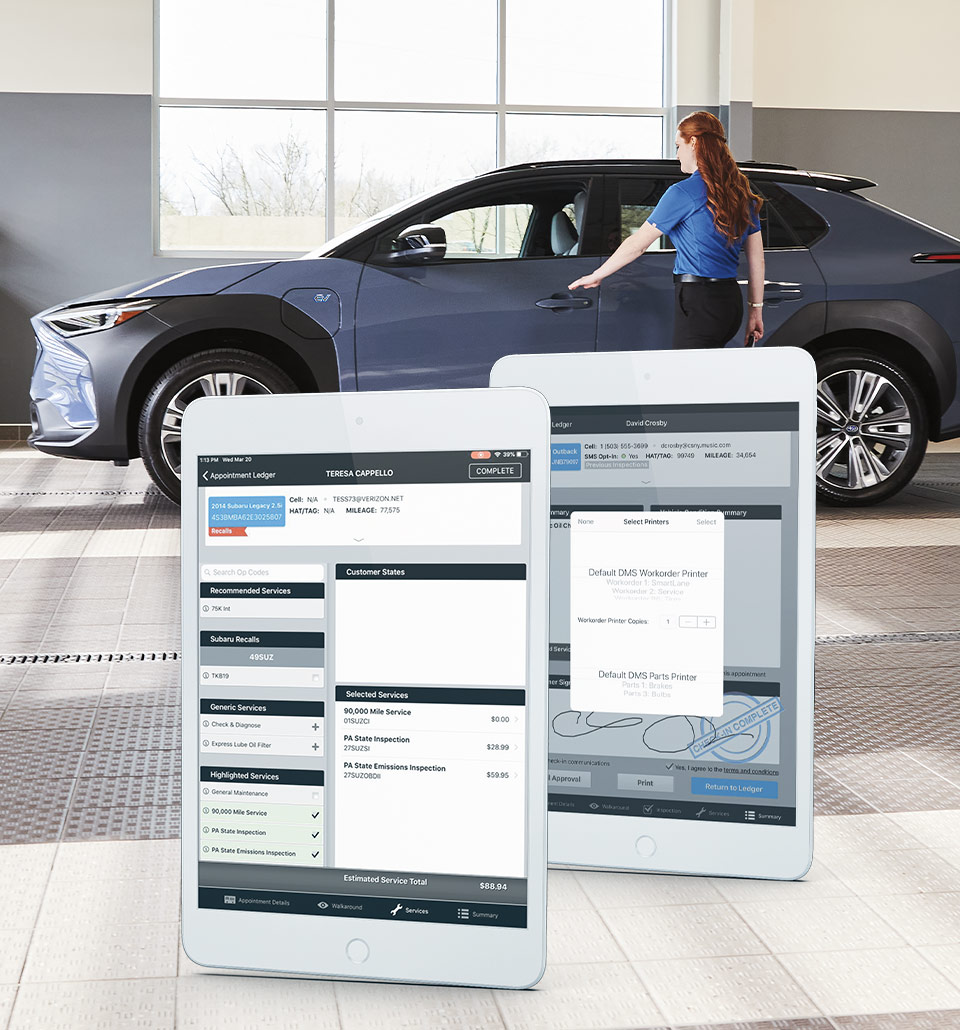
- Speed up the check-in process with quick VIN scans for easy customer look-up and driver’s license scans to automatically capture customer address information.
- Create personalized walkaround summaries with tailored Subaru wireframes, giving customers a customized experience every time.
- Send customers a summary of their check-in via email or SMS for greater transparency and faster approval.
Seamless Integrations
- Vehicle Inquiry Integration
- Smart Check Integration: Quickly access previous inspections for a smooth process.
- SSLP Integration: Send driver’s license and insurance card images directly to TSD.
- Hunter Integration: Offers tire tread depth information for accurate service recommendations.
- Add recommended maintenance, declined repairs, SAS maintenance, and Subaru recalls with just a few clicks.
- Create ROs in DealerTrack, Automate, and CDK*: Streamline the creation of repair orders (ROs).
- Highly Configurable System: Customize required and saved fields to match your processes.
*CDK RO Create required for CDK retailers.

Smart Check**
Drive revenue, build trust.
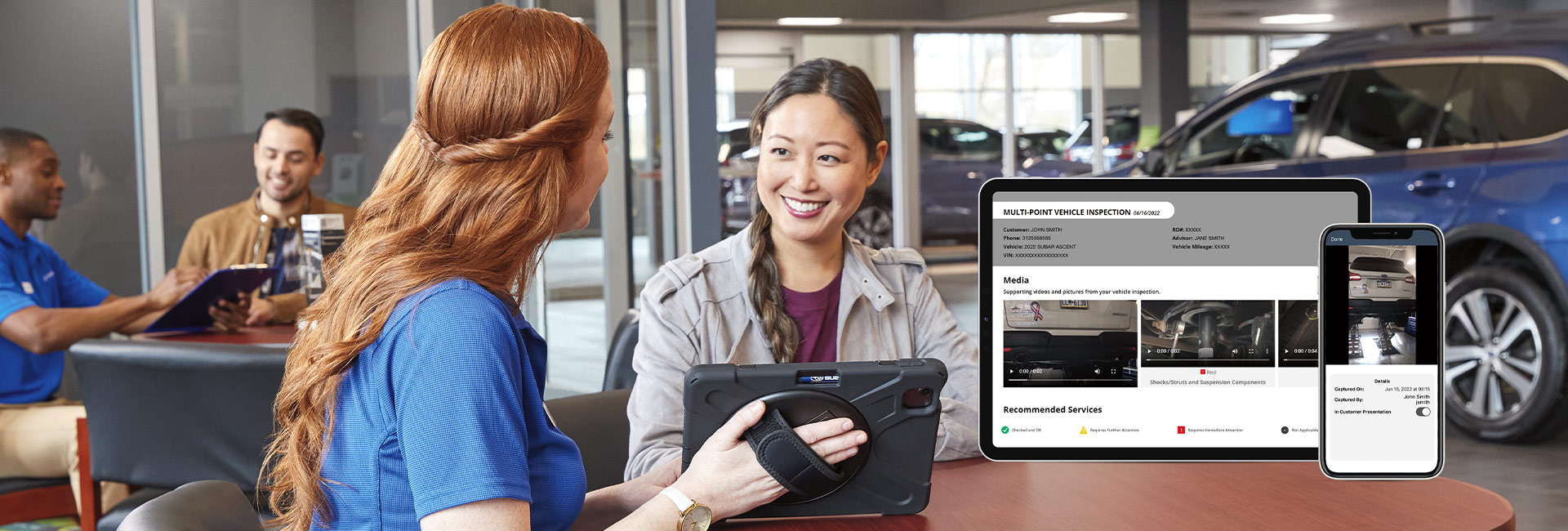
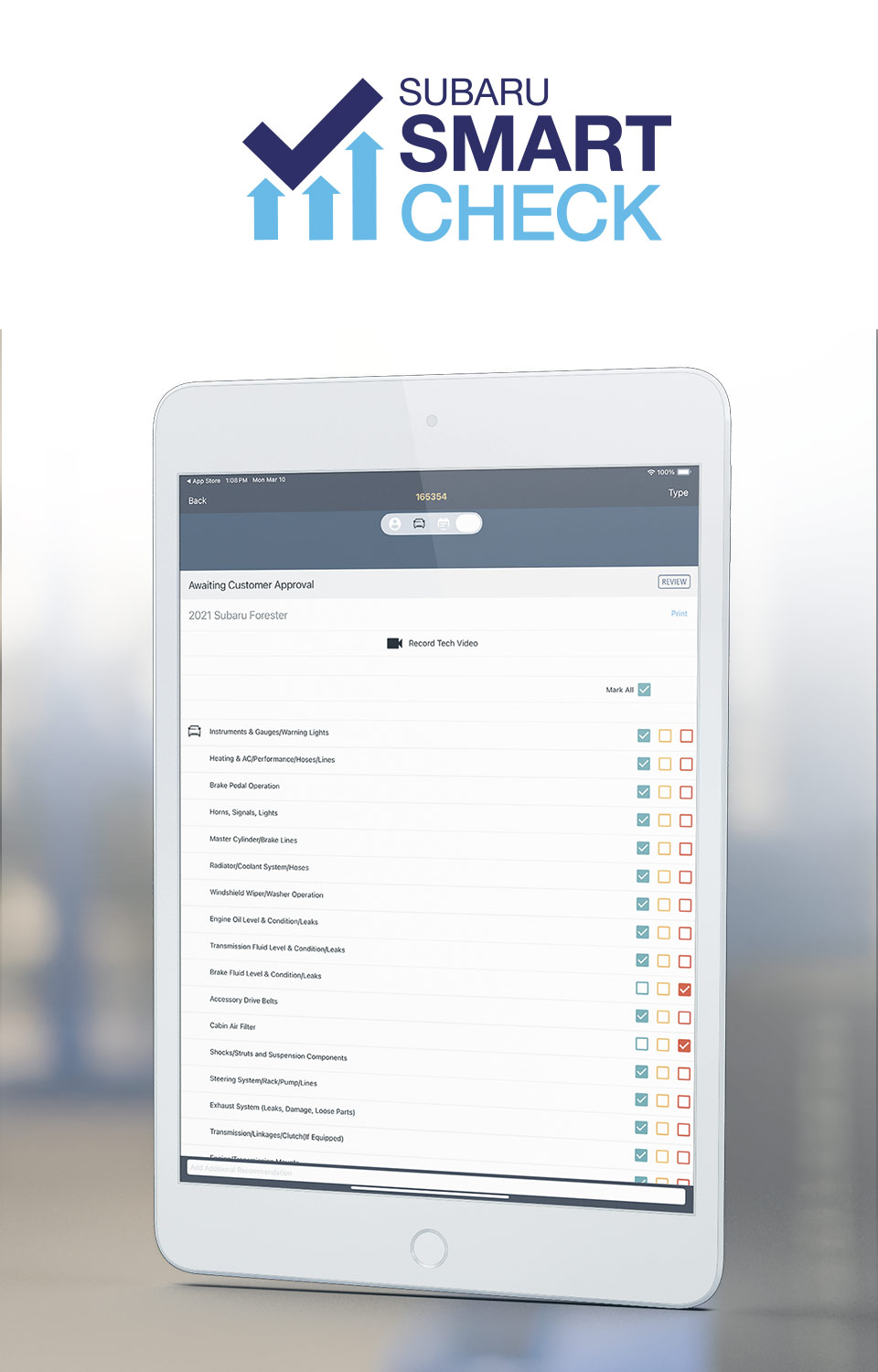
Turn Multi-Point Inspections (MPIs) into revenue with Subaru Smart Check. Offering Subaru-specific inspections, it enables your team to make accurate recommendations to boost customer trust.
Key Features of Smart Check:
- Inspections are consistent and customizable for optimal customer service.
- Timely engagement to notify customers of inspection updates and recommendations.
- Easy data access for viewing inspection results and upsell opportunities.
- Insightful Reporting to track and analyze MPI performance to optimize your service processes, analyze MPI performance, additional service recommendations, and declined services.
- Care Connect’s Declined Repair Owner Touch automatically contacts the customer with declined repairs and encourages them to have the recommendations completed.
Additional Features:
- Send photos/videos to validate repairs and expedite customer approvals.
- Upload your parts pricing and availability directly into Smart Check for accurate estimates.
- For CDK retailers, CDK Parts and CDK MPI Job Line Write Back integrations optimize the inspection process.
- Supports parts Matrix Pricing.
**Smart Check requires Two-Way Messaging.
Tech Video
Capture and share full inspection videos.
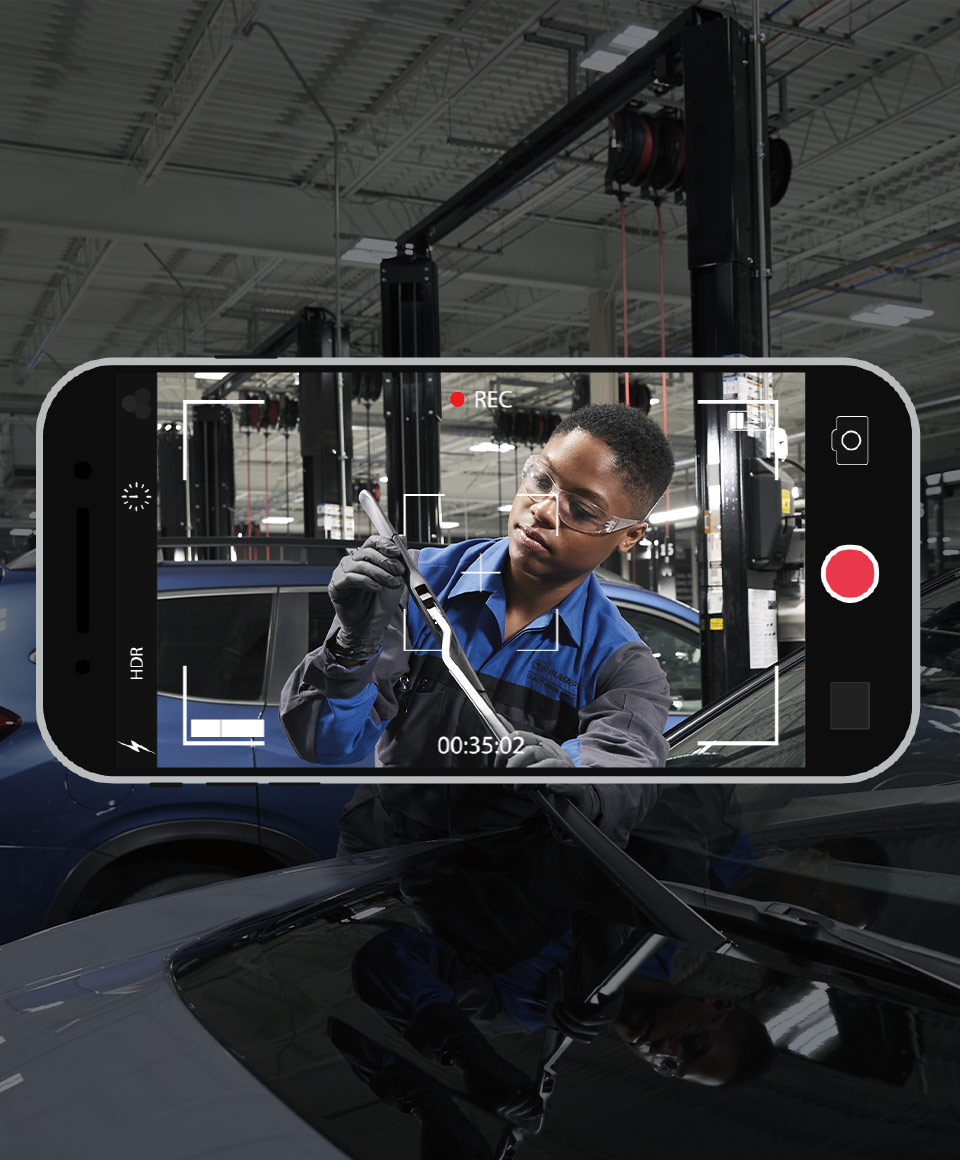
Bring transparency to your service operations with Tech Video. This feature allows your technicians to record inspection videos up to 7 minutes long and share them with customers to expedite approval.
Key Features of Tech Video:
- Capture and send full inspection videos with instant playback for increased efficiency.
- Eliminate background noise for clear communication.
- Send Tech Video and estimate to your customers by email or SMS with Subaru Smart Check.
- Upload videos from your desktop, iOS, or Android device directly into the system.
- Use Tech Video with Smart Check for an all-in-one service experience.
- Tech Video is also available as a standalone service and includes Two-Way Messaging to easily send videos to your customers.
Two-Way Messaging
Maximize communication and productivity.
Integrated across Schedule Connect, Lane Pro, Smart Check, and Tech Video, Two-Way Messaging enables easy communication with your customers and teams.
Key Features of Two-Way Messaging:
- Accessible on both mobile devices and desktops.
- Customizable templates help optimize customer communication.
- Helps ensure consistent customer communications across your store, and that all communications are routed to the right service contact and saved to customer record for future reference.
- Customer never sees the employee’s cell phone number. All communication takes place through the app to help ensure privacy while maintaining effortless interactions.

RO Tracker
Stay connected with customers throughout the service process.
Keep your customers informed every step of the way with RO Tracker. This tool allows you to send customers updates at key points during their service journey to help ensure transparency.
Key Features of RO Tracker:
- Service Appointment Created: Send customers a link to view, modify, or cancel their appointment.
- Lane Pro: Send a recap of the check-in process to customers for review and approval.
- Smart Check: Send the customer a link to review inspections and approve ASRs (Additional Service Recommendation).